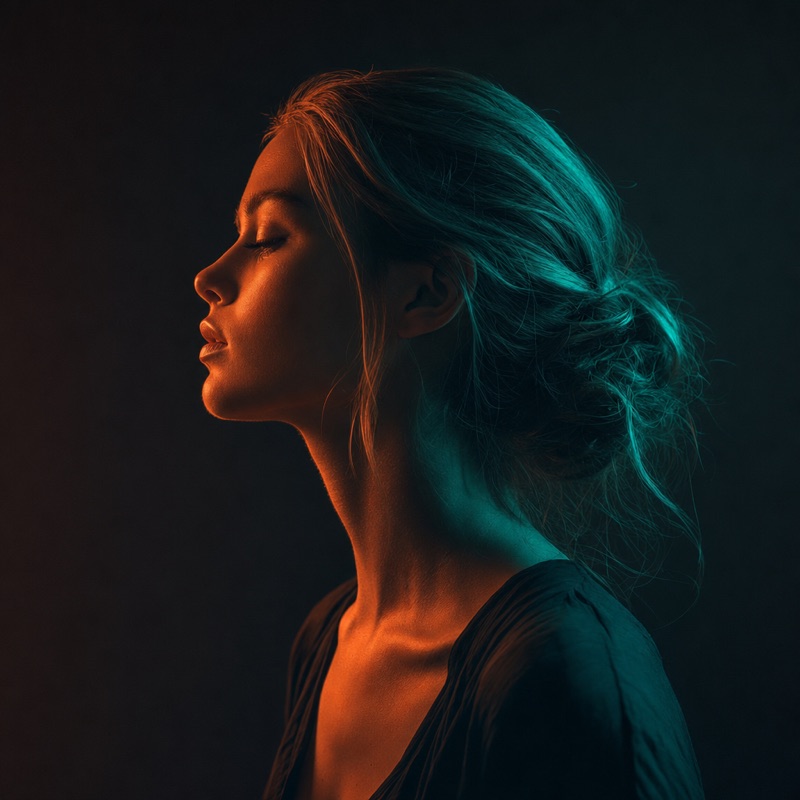
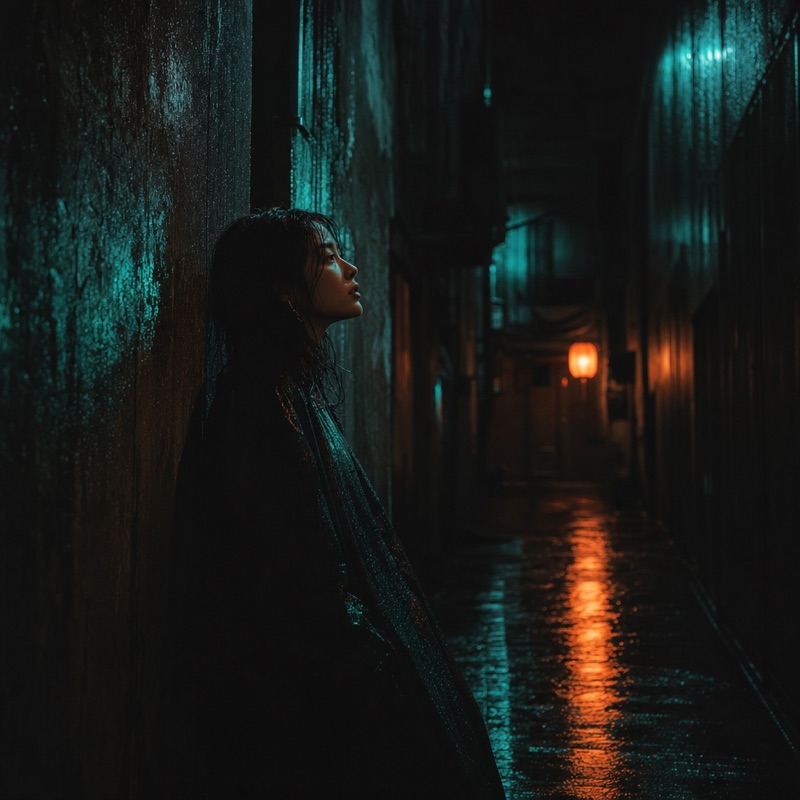
Describe edits in plain language and iterate turn by turn — the conversation runs on the right.
Preview UI · generation coming soon
Chat to Edit
Edit images by simply talking to the AI. Just describe what you want changed, no masks, no tools, no menus, and watch your photo transform through a natural back-and-forth conversation.
3 Steps to Edit by Chatting
- 1
Upload & Start the Conversation
Drop in any PNG or JPG, then type your first instruction in plain English, like 'make the background a beach at sunset' or 'turn this into a watercolor painting'.
- 2
Refine Through Dialogue
Keep chatting to fine-tune the result: 'a bit warmer', 'remove the car on the left', 'now make her jacket red'. The AI remembers context, so each message builds on the last edit.
- 3
Download Your Final Image
When the image looks right, export a clean, royalty-free PNG or JPG. Every step of your conversation is reversible, so you can branch off in a new direction anytime.
Editing as Easy as Sending a Message
Chat to Edit is the most natural way to retouch a photo. There are no masks to paint, no sliders to hunt for, and no layers to manage, just tell the AI what you want in everyday words. It is editing built for people who think in sentences, not in software panels.
A Conversation That Remembers Every Step
Because Chat to Edit keeps the full context of your dialogue, you can stack changes naturally. Ask for one tweak, see the result, then refine it further, all without re-uploading or re-explaining. It feels like art-directing a designer who instantly understands and never forgets.
Why Creators Choose Musely.io
Discover what makes conversational image editing the most approachable and flexible way to transform any photo.
Zero Learning Curve
If you can send a text message, you can edit a photo. No tools, no tutorials, no jargon, just describe the change and the AI does the rest.
Context-Aware Conversations
The AI remembers your previous instructions, so follow-up edits like 'make it brighter' or 'undo that' just work, building naturally on what came before.
Iterate at the Speed of Thought
Try ten ideas in the time a manual edit would take one. Each message produces a new result instantly, so you can explore freely and branch in any direction.
From Subtle Tweaks to Full Restyles
Ask for a tiny color shift or a complete transformation, swap a season, change an outfit, restyle to anime or oil painting, all through the same simple chat.
Royalty-Free Results
Every image you finish is yours to use commercially, with no watermarks or licensing worries, ready for posts, ads, stores, and client work.
Powered by Multimodal AI
Built on conversational, instruction-following models like GPT Image and Flux, Chat to Edit understands intent and language nuance to deliver edits that match what you actually meant.
More Than a Chat, It's a Conversational Editing Studio
Go beyond one-off prompts. Musely.io turns natural-language editing into a full creative workflow you can steer message by message.
Conversational Editing
Describe any change in plain language and refine it through dialogue. The AI handles selection, blending, and rendering for you.
Multi-Turn Refinement
Stack edits naturally across the conversation. Each message remembers the last, so you can layer changes without starting over.
Branch & Compare
Roll back to any earlier message and explore a different direction, then compare versions to choose the best result.
Explore More
Built for Every Type of Creator
For Designers & Artists
- Art-direct edits in natural language and watch concepts evolve without touching a single tool panel.
- Explore variations conversationally, asking for new palettes, moods, or styles until the look is right.
- Hand off rough images and refine them step by step, the way you would brief a junior designer.
For Marketers & E-commerce
- Adjust product shots on the fly, 'remove the price tag', 'put it on a marble counter', without a designer in the loop.
- Quickly restyle creative for different campaigns just by describing the new direction in a message.
- Generate on-brand variations for A/B testing through simple follow-up requests.
For Content Creators
- Tweak thumbnails and post images by chatting, 'make the text pop', 'brighten the face', 'swap the background'.
- Refine a visual across several quick messages until it fits your channel's style perfectly.
- Restyle photos into eye-catching looks for reels and stories without any editing skills.
For Educators & Students
- Modify teaching images conversationally to highlight, label, or simplify what students see.
- Let students experiment with visual ideas by describing changes in everyday language.
- Adapt source images for slides and projects without learning complex editing software.
For Hobbyists & Personal Projects
- Fix and enhance personal photos just by asking, 'remove the stranger', 'make the sky bluer', 'fix the lighting'.
- Reimagine snapshots into fun styles for prints, cards, and social posts through simple chat.
- Edit with confidence even with zero experience, since you only ever describe what you want.
What is Conversational Image Editing?
It's the technology that lets you edit a photo by chatting with AI in plain language, no masks, tools, or menus required.
How Does Musely.io Work?
When you send an instruction, our multimodal AI interprets your words alongside the image, decides which regions and attributes to change, and renders a new version. Because it tracks the full conversation, each follow-up message refines the previous result instead of starting from scratch.
Like Briefing a Designer Who Never Forgets
Chat to Edit feels like working with a tireless creative partner. You describe what you want, see it happen, and refine through dialogue, while the AI remembers every step and adjusts exactly the part you mention.
Endless Applications & Benefits
From quick retouches and background swaps to full artistic restyles and ecommerce cleanup, conversational editing removes every technical barrier. If you can describe a change, you can make it, no software expertise needed.
The Future of Creative Tools
As instruction-following models like GPT Image and Flux mature, talking to your tools becomes the default. Editing turns into a fluid conversation where intent, not interface, drives the result, making professional edits faster and more intuitive than ever.
The Musely.io Difference
Chat to Edit is built on multimodal models that understand both your words and your image together. It doesn't just apply a filter; it interprets intent across a whole conversation, so layered, follow-up edits stay coherent and on target.
We believe the best interface is no interface. By replacing masks, sliders, and menus with plain language, every feature is designed to give you full creative control with zero technical overhead, making image editing online feel as natural as chatting with a friend.
Frequently Asked Questions
How is Chat to Edit different from a normal image editor?
Instead of masking areas and adjusting tools, you simply describe the change in plain language. The AI figures out what to edit and how, then renders it. Because it remembers the conversation, follow-up requests like 'a little brighter' build on the previous result automatically.
Does the AI remember my earlier instructions?
Yes. Chat to Edit keeps the full context of your conversation, so each new message refines the last edit. You can stack changes naturally, roll back to an earlier step, or branch in a new direction without re-uploading or re-explaining.
What kinds of edits can I make through chat?
Almost anything: remove or add objects, swap backgrounds, change colors and outfits, adjust lighting and mood, or fully restyle an image into looks like anime, oil painting, or 3D render. Subtle tweaks and dramatic transformations both work through the same simple dialogue.
What models power Chat to Edit and what formats are supported?
It's powered by conversational, instruction-following models such as GPT Image and Flux for strong language understanding and faithful edits. You can upload and download high-quality PNG or JPG images at common aspect ratios.
Can I use the edited images commercially?
Yes. On paid plans, every image you finish is royalty-free and yours to use in ads, products, social posts, and client work, with no watermarks or attribution required. The free plan is great for personal experimentation.